
Find the right answer for your camera
WiFi Panorama Camera Guides, Setup & Troubleshooting
Independent guides to help you identify, install, connect, troubleshoot, compare, and safely use WiFi panorama cameras.
New to the topic? Start with the complete guide.
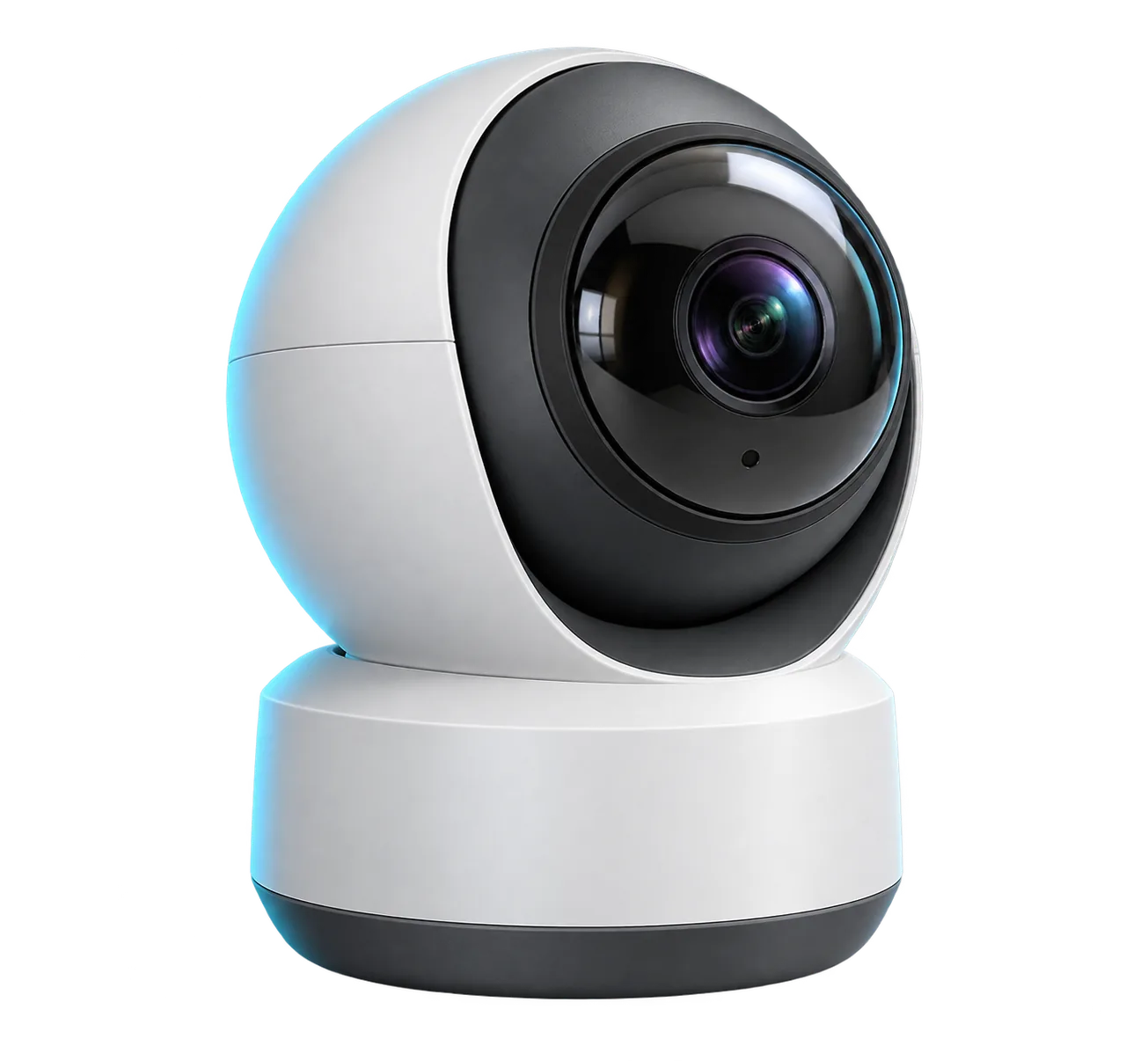
Illustrative camera — not a tested product or specific model.
Fix a Problem
Most common panorama camera issues resolved.
WiFi Panorama Camera Not Connecting? Troubleshooting Steps
Troubleshoot a WiFi panorama camera that will not connect by checking power, the correct app, pairing state, WiFi compatibility, credentials, signal, and router.
How to Reset a WiFi Panorama Camera Safely
Learn when to reset a WiFi panorama camera, how to verify the exact model instructions, and what settings or recordings may be affected.
If your WiFi panorama camera worked before but is now offline, identify what changed and check lower-risk causes before following model-specific reconfiguration or reset guidance.
Install Your Camera
Complete setup guides for any model.
Install a WiFi panorama camera safely with guidance on placement, mounting, power, WiFi testing, coverage, and country- or region-specific considerations.
Camera Apps
Identify the correct app and follow app-specific setup guidance.
Find the right WiFi panorama camera app safely by checking the camera label, manual, QR code, official publisher, and verified app-store listing.
Verify the correct V380 app, then follow the documented QR, AP, Bluetooth, LAN, or Device ID setup branch for your exact panorama camera.
If your camera manual names iCSee, check the official app and your model’s documented network and setup requirements before following its instructions.
Published Guides
Explore the guides available now.
Learn what a WiFi panorama camera is, how coverage and WiFi features differ, and which setup, installation, app, or troubleshooting guide to use next.
Set up a WiFi panorama camera with a model-aware checklist for the app, power, compatible WiFi, pairing method, and baseline security settings.
Install a WiFi panorama camera safely with guidance on placement, mounting, power, WiFi testing, coverage, and country- or region-specific considerations.
WiFi Panorama Camera Not Connecting? Troubleshooting Steps
Troubleshoot a WiFi panorama camera that will not connect by checking power, the correct app, pairing state, WiFi compatibility, credentials, signal, and router.
Find the right WiFi panorama camera app safely by checking the camera label, manual, QR code, official publisher, and verified app-store listing.
How to Reset a WiFi Panorama Camera Safely
Learn when to reset a WiFi panorama camera, how to verify the exact model instructions, and what settings or recordings may be affected.